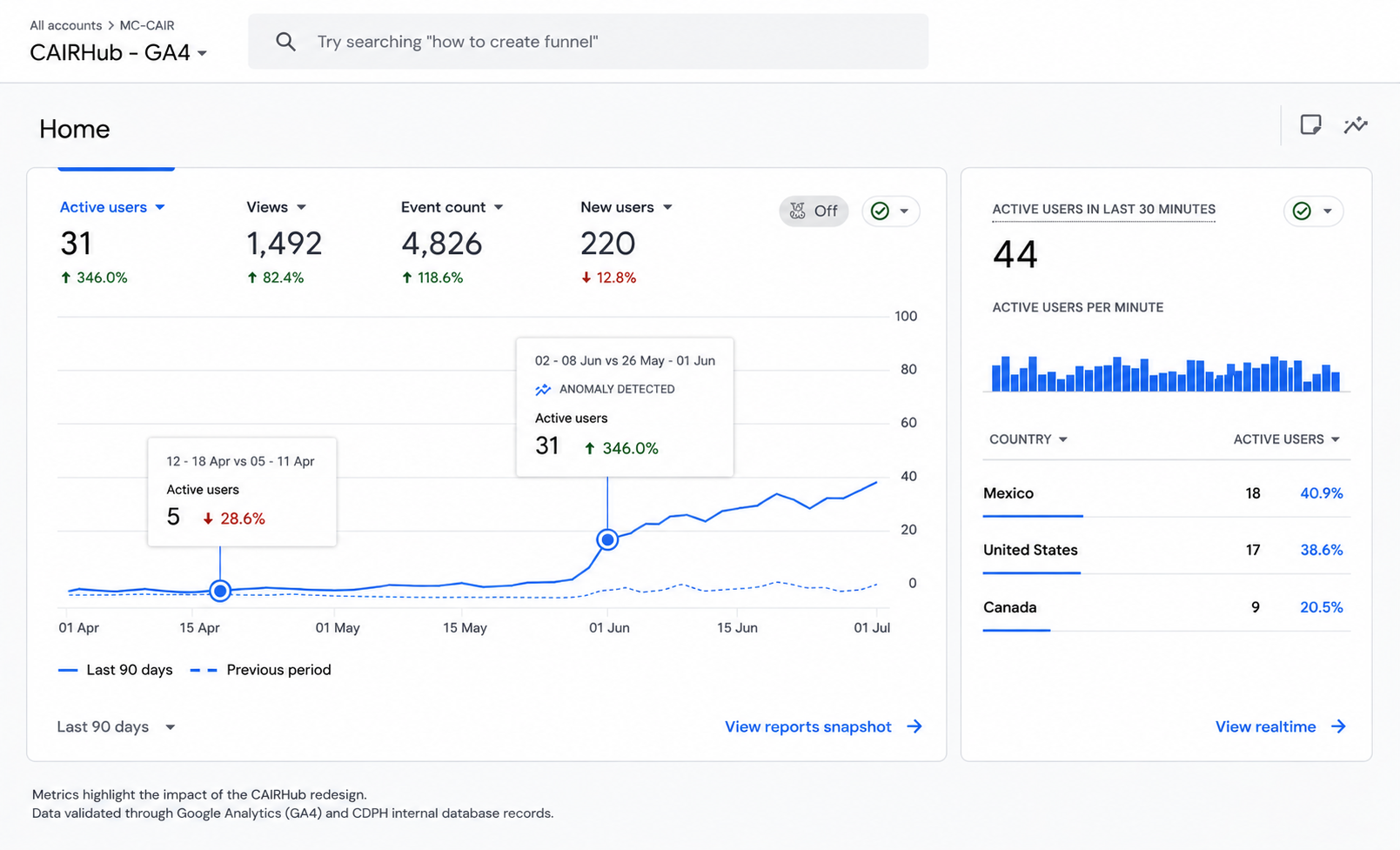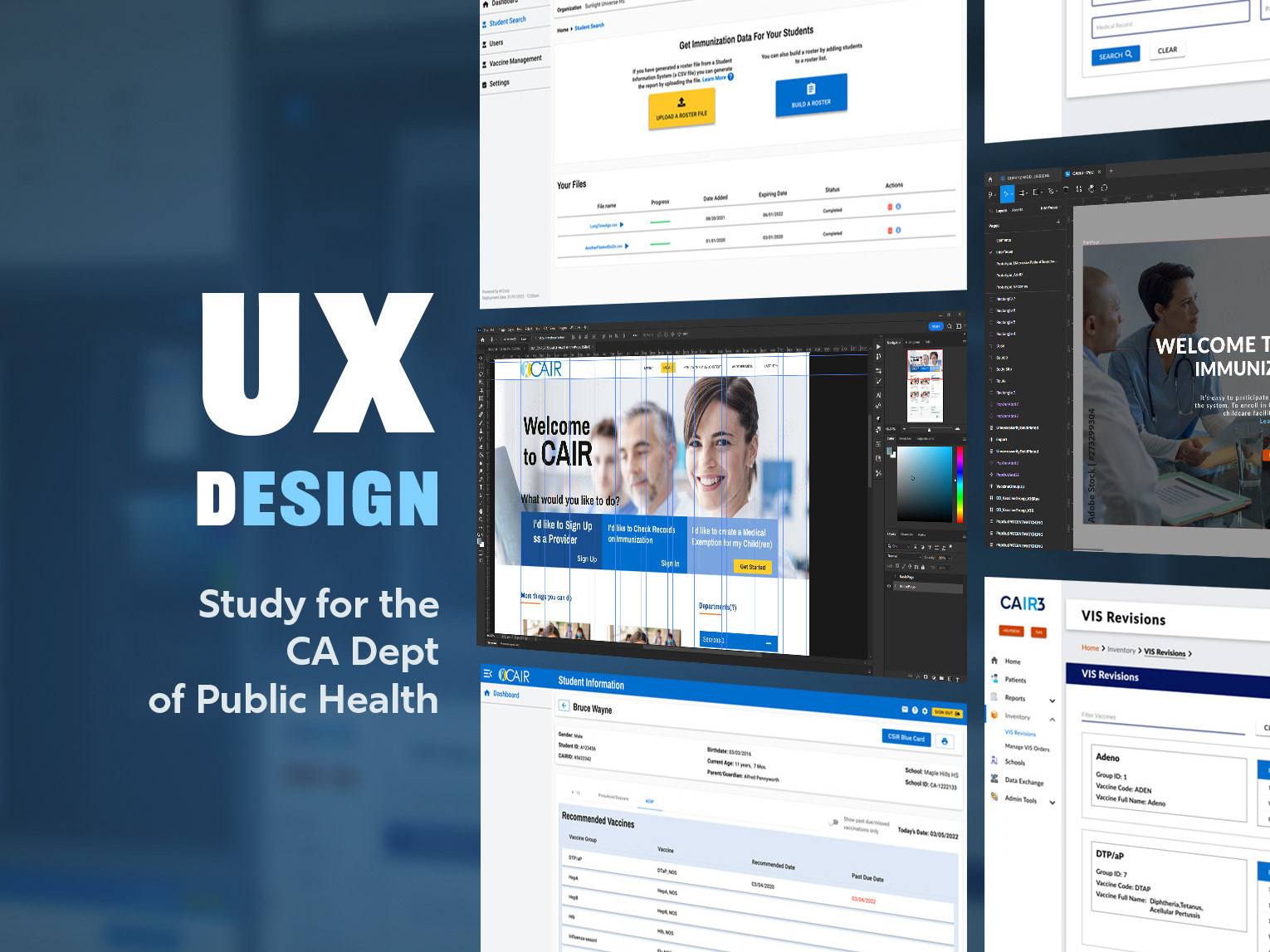
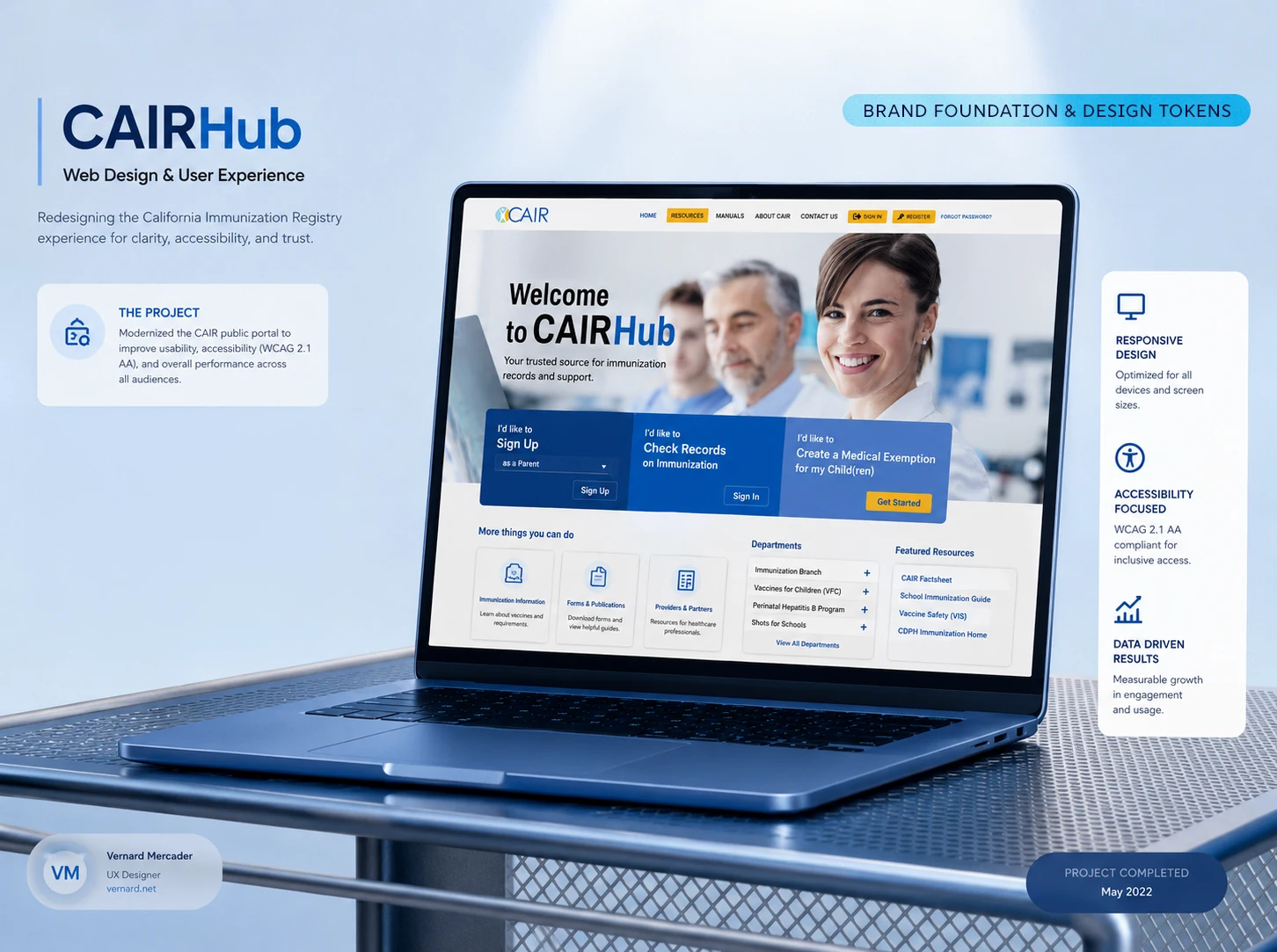



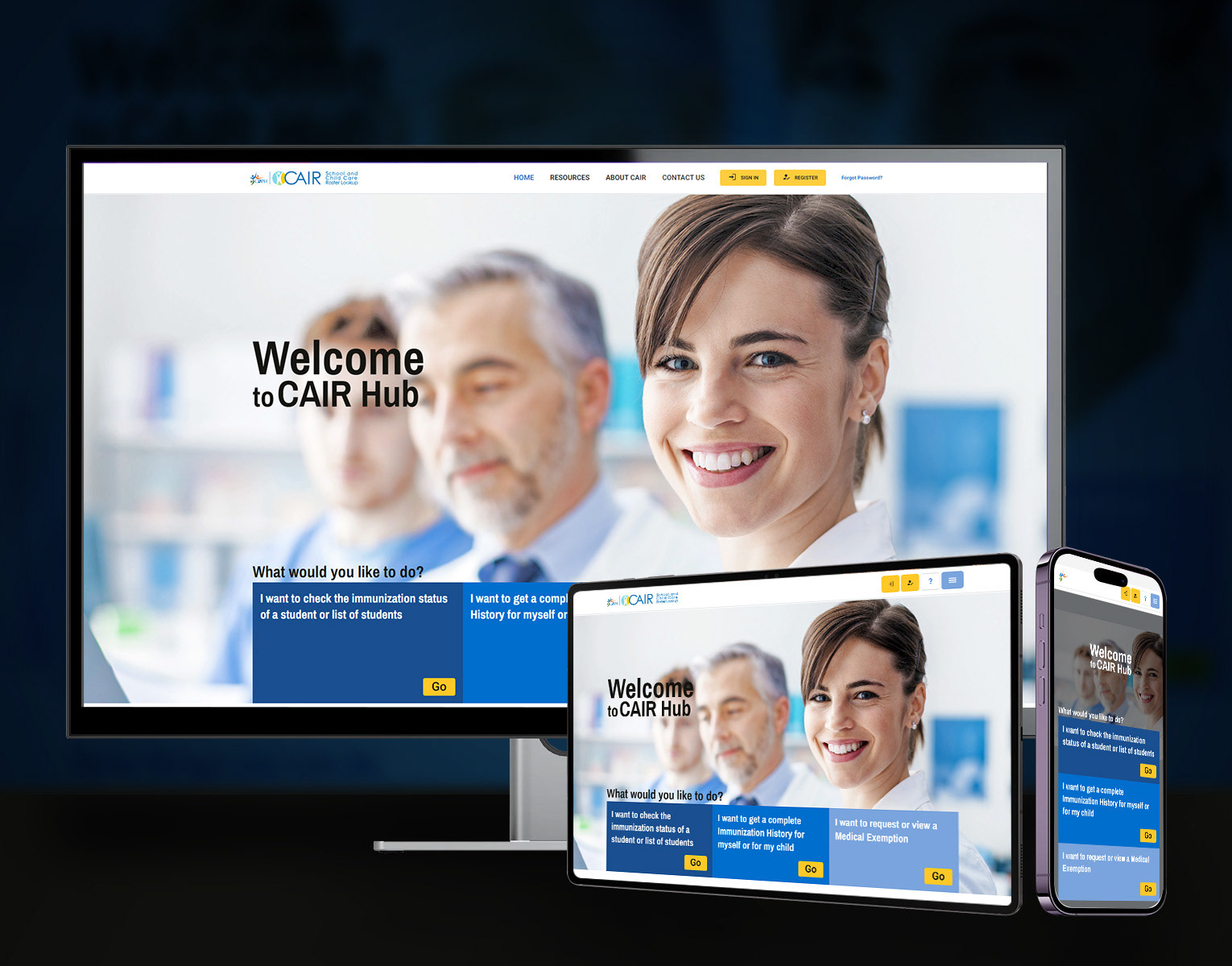
Portfolio hero image: The CDPH - CAIRHub Site
Project Summary
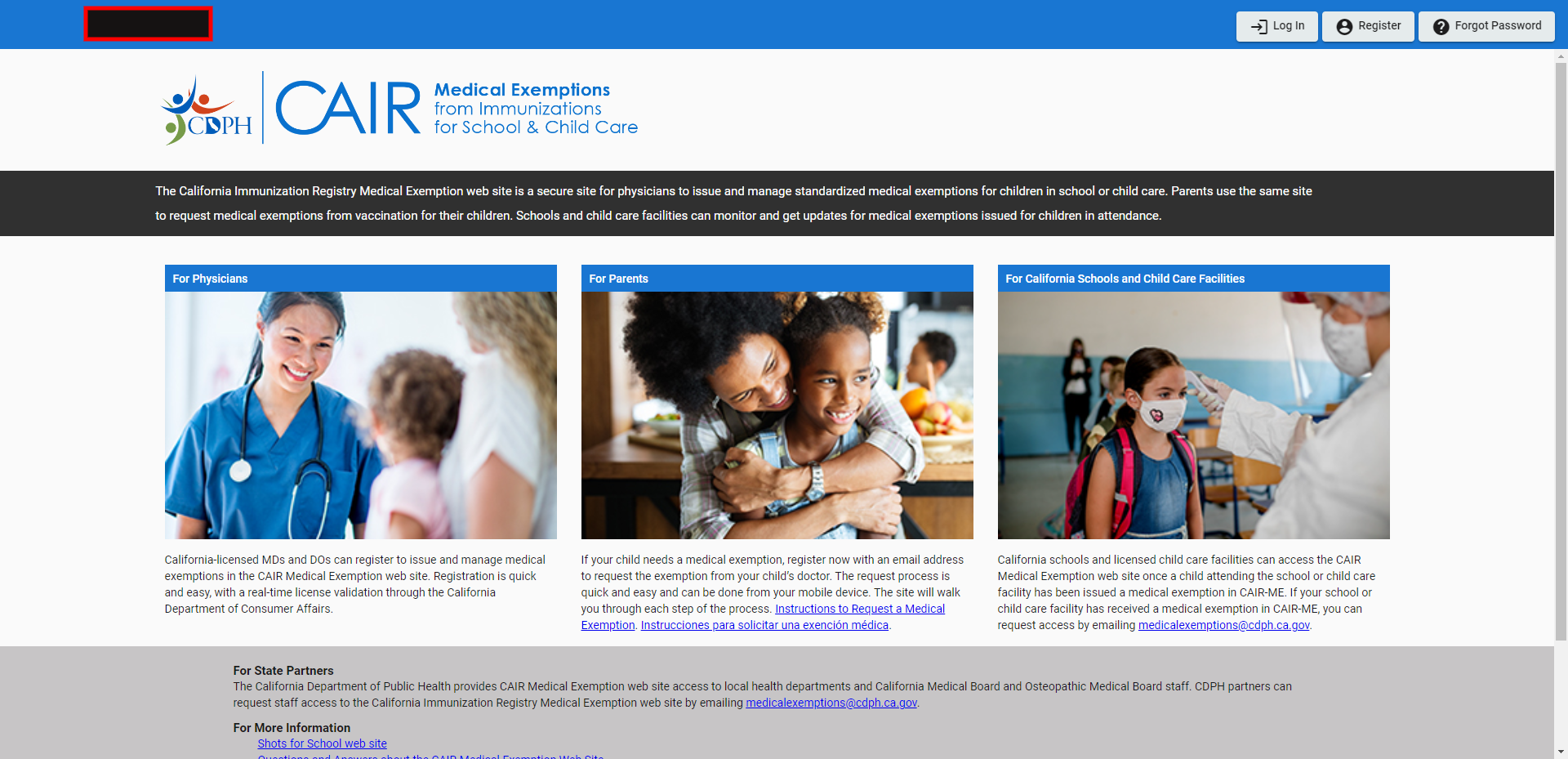
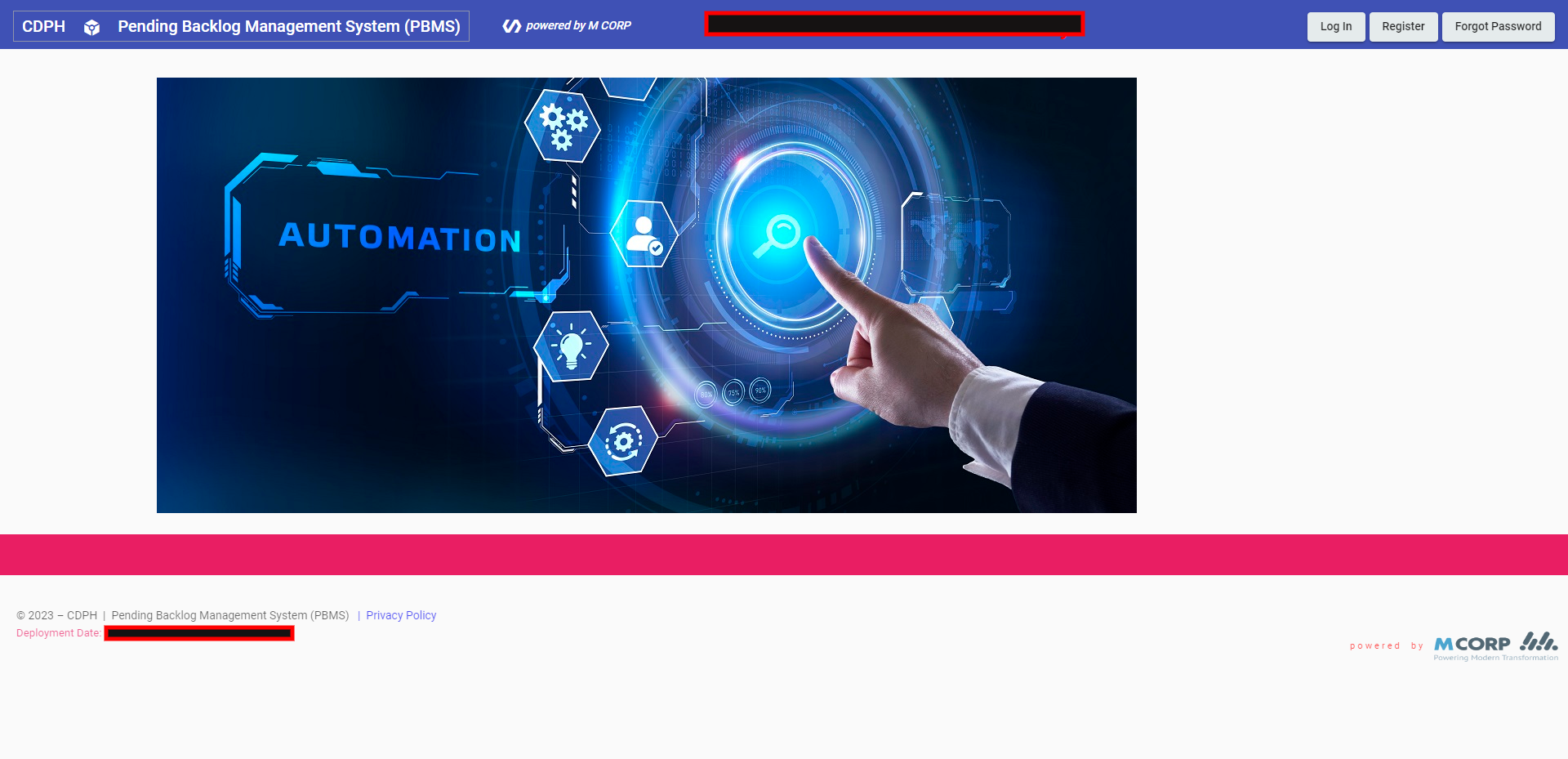
CDPH's web presence was a mess. Applications were scattered across different servers, built on inconsistent UI patterns by different vendors using completely different tech stacks. Users were stuck doing manual data entry and juggling spreadsheets just to report information across disconnected systems. There was no unified platform – none whatsoever.
Old CAIR website
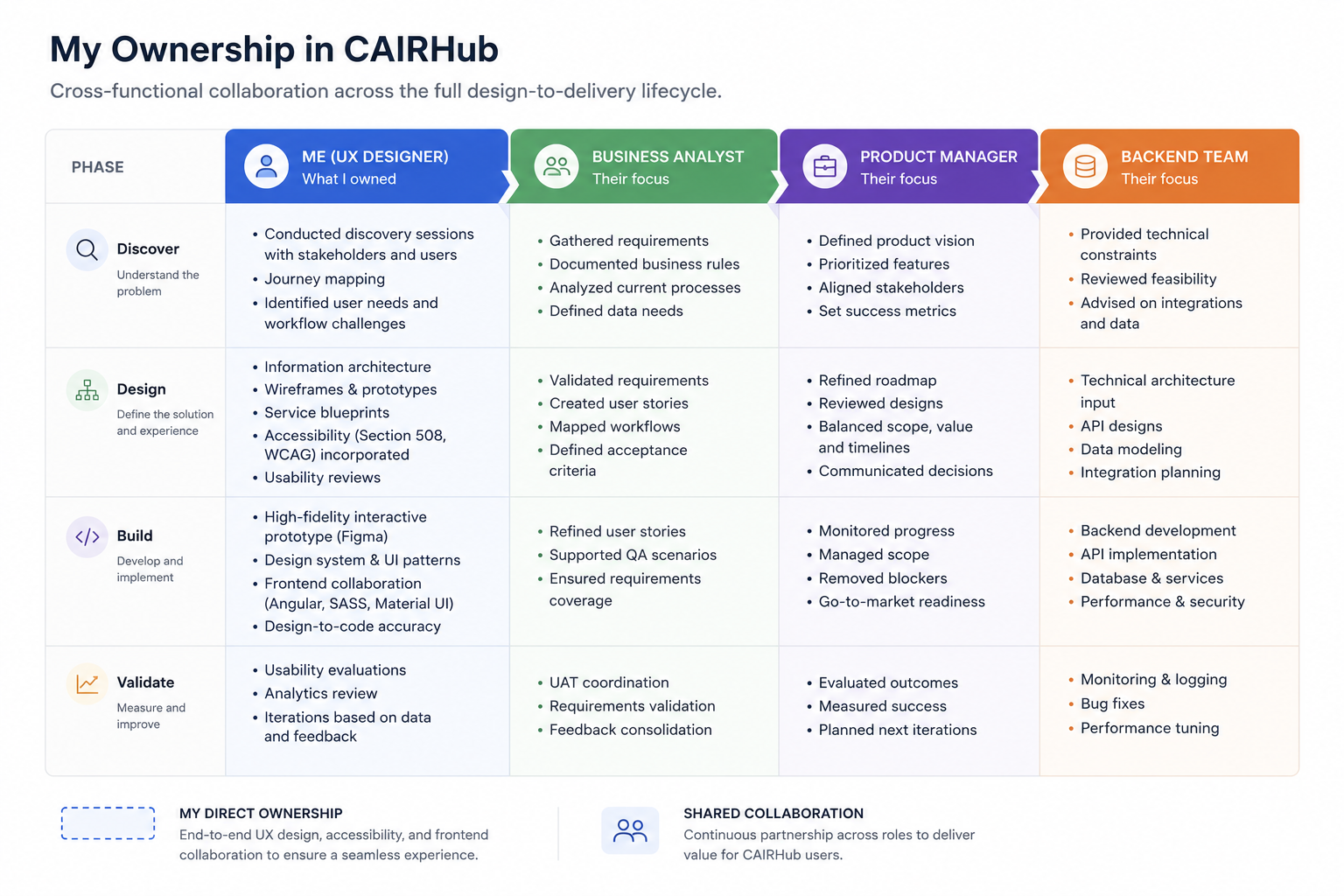
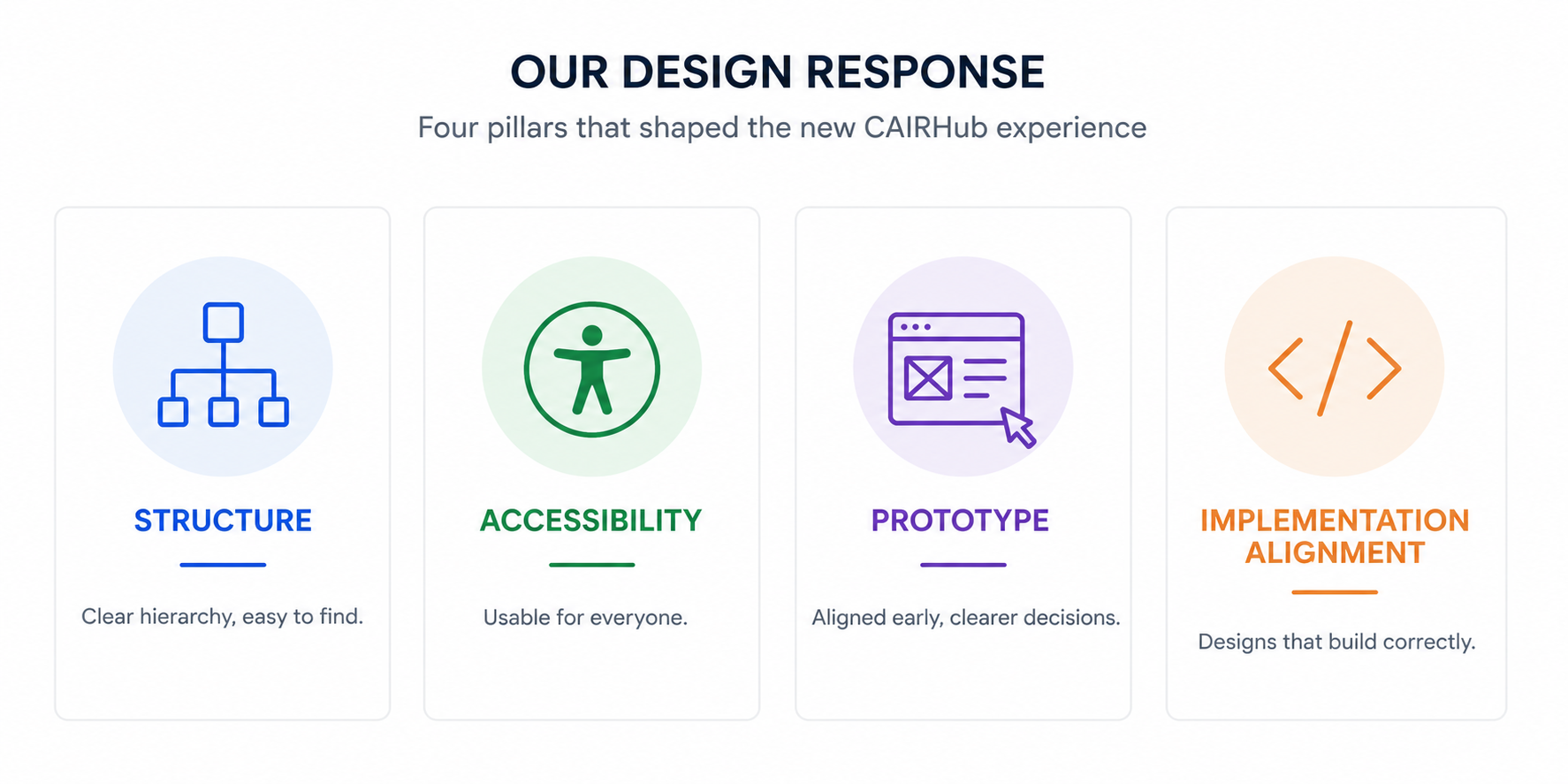
I architected the UX and defined the design system. I drove the transition from a recycled legacy template into a cohesive, responsive website framework: mapping the UI components, establishing the visual tokens, and building the interactive prototypes.​​​​​​​
This was a multi-year effort, and the goal was always long-term extensibility. The platform had to unify data across state staff, medical professionals, school districts, and parents. Not a quick site update. A complete structural overhaul.
The Research & Discovery Phase: Because this project involved significant discovery and research across multiple state departments, the UX strategy and product definition process is documented separately.
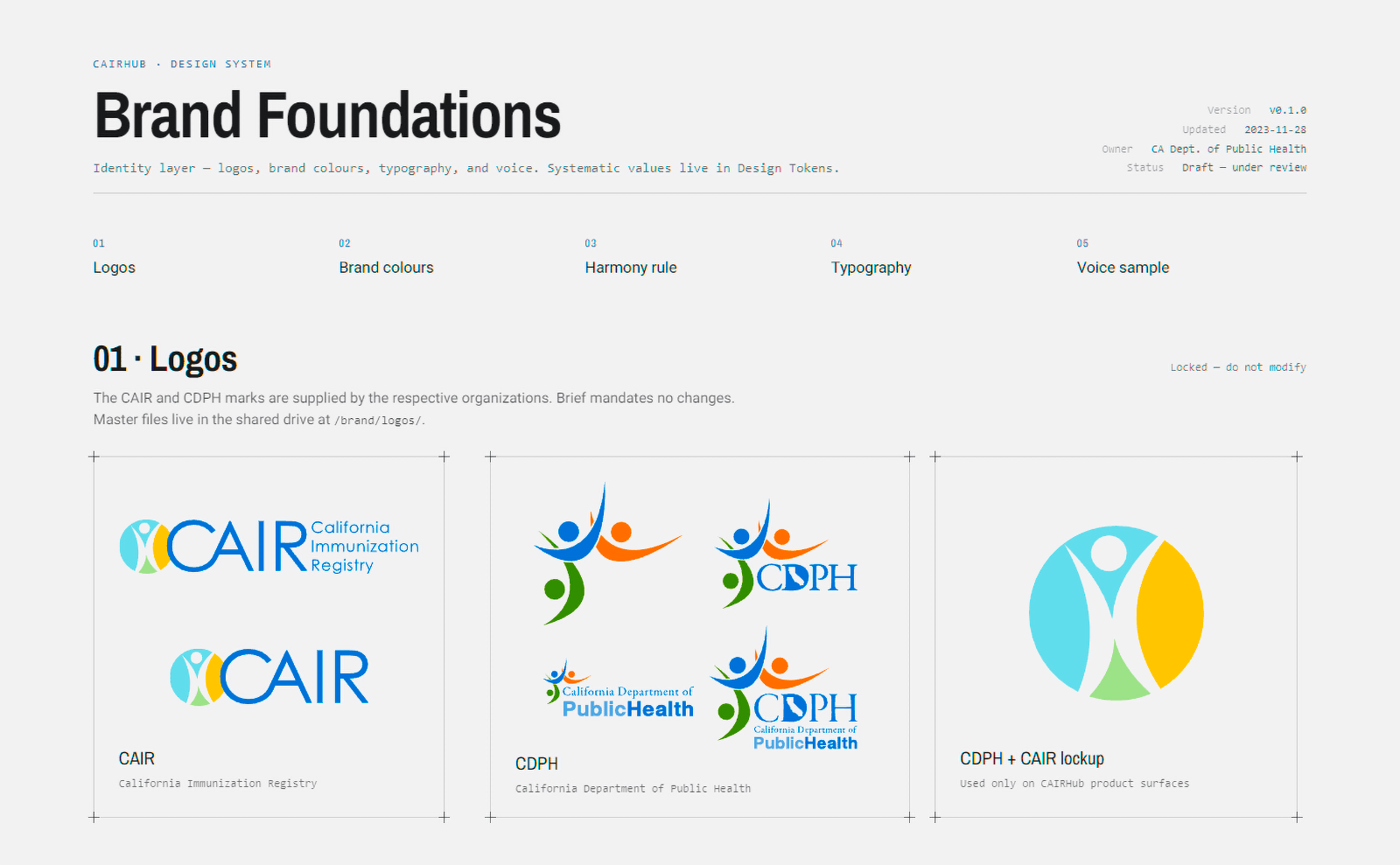
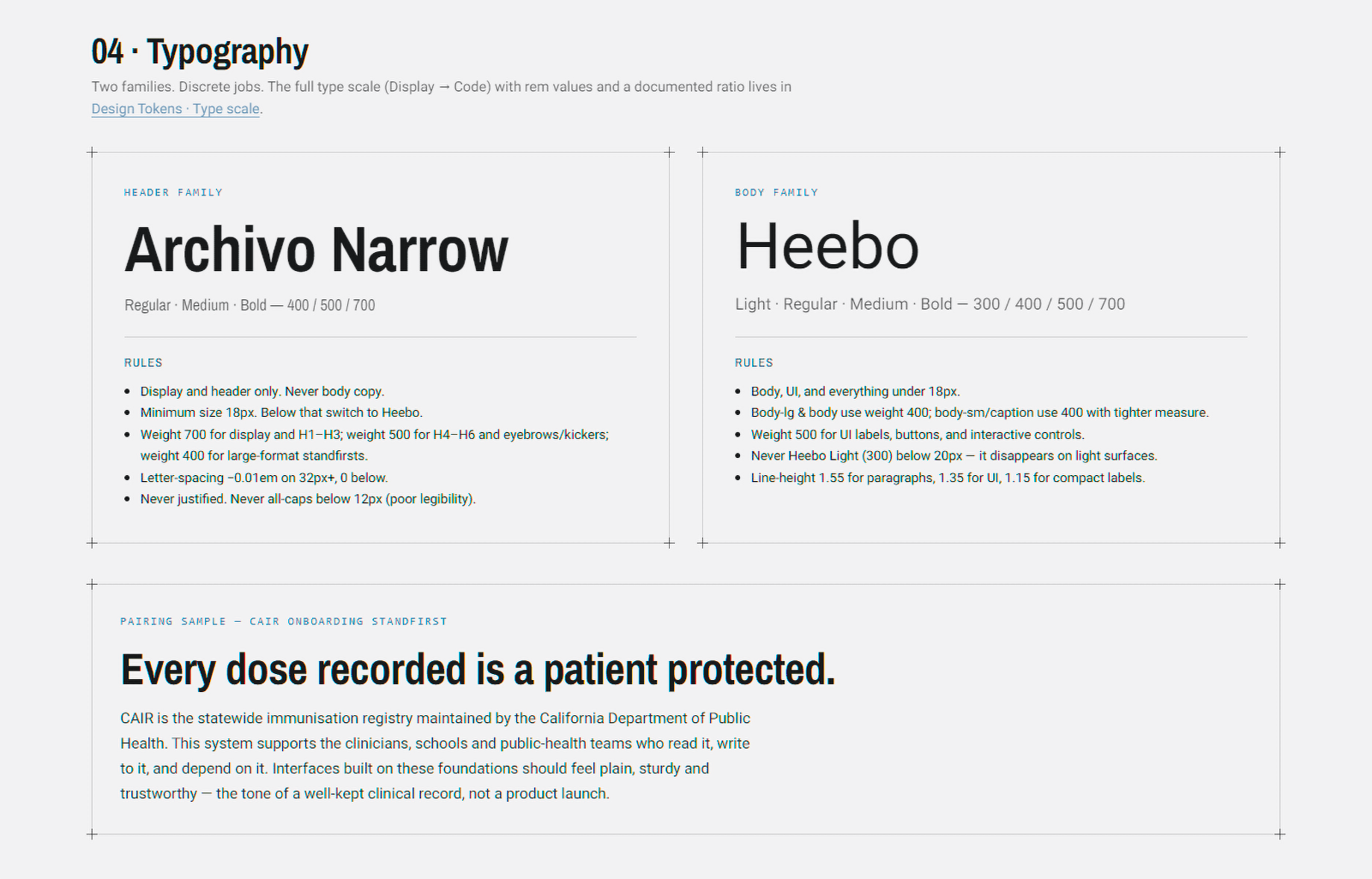
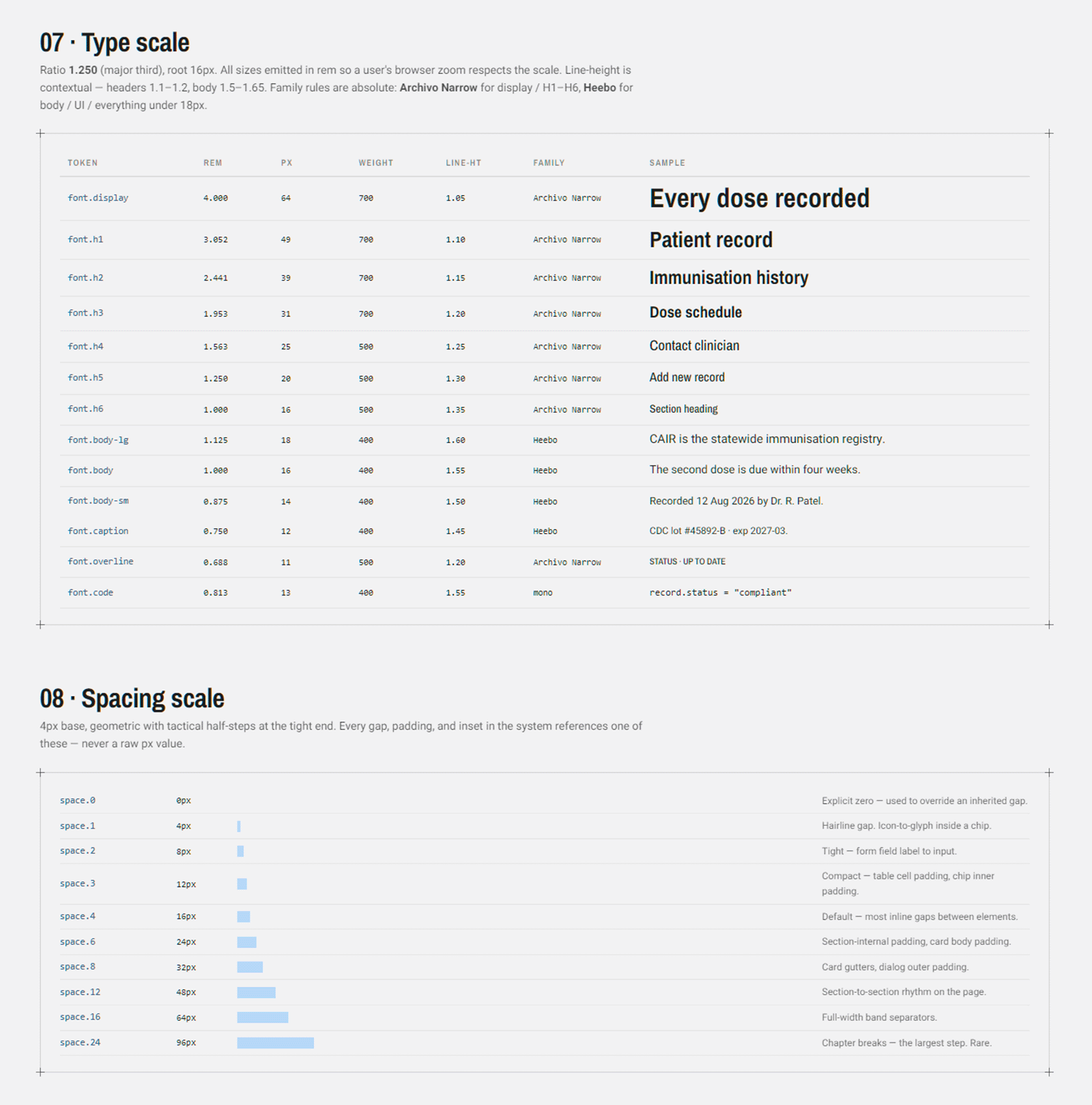
Typography: Engineered for Readability
CDPH CAIRHub site Typography
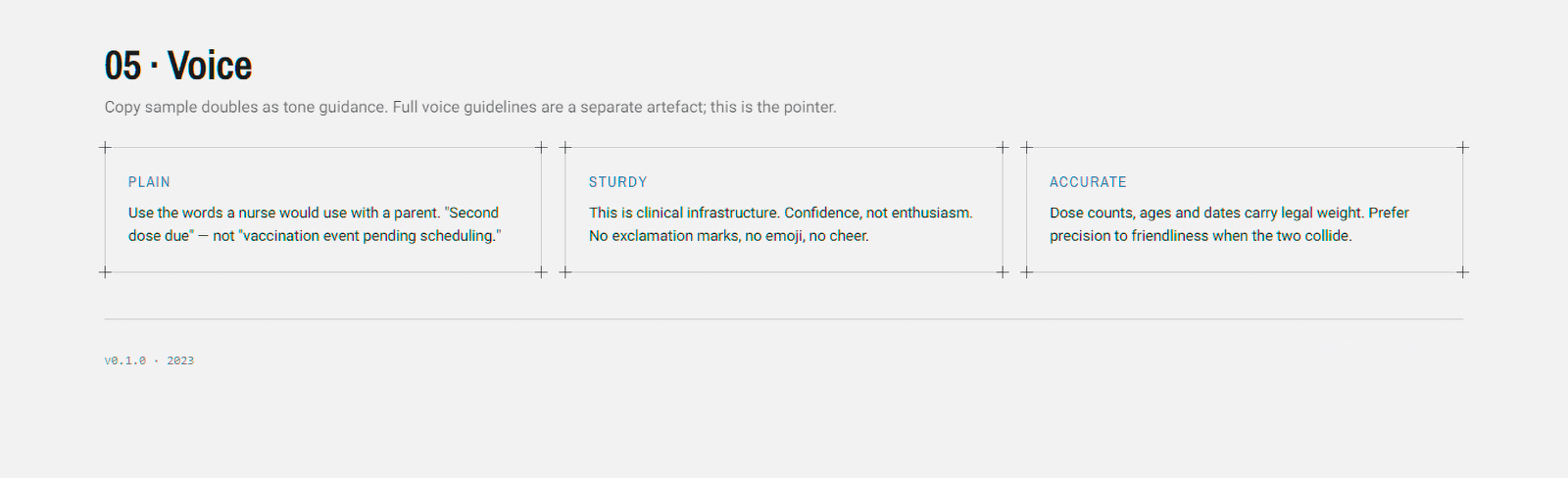
Every decorative element was stripped away. When the interface has to surface dense, data-heavy information to medical and administrative users, legibility is not an afterthought – it is the entire point. The type system was built around that constraint from the start.
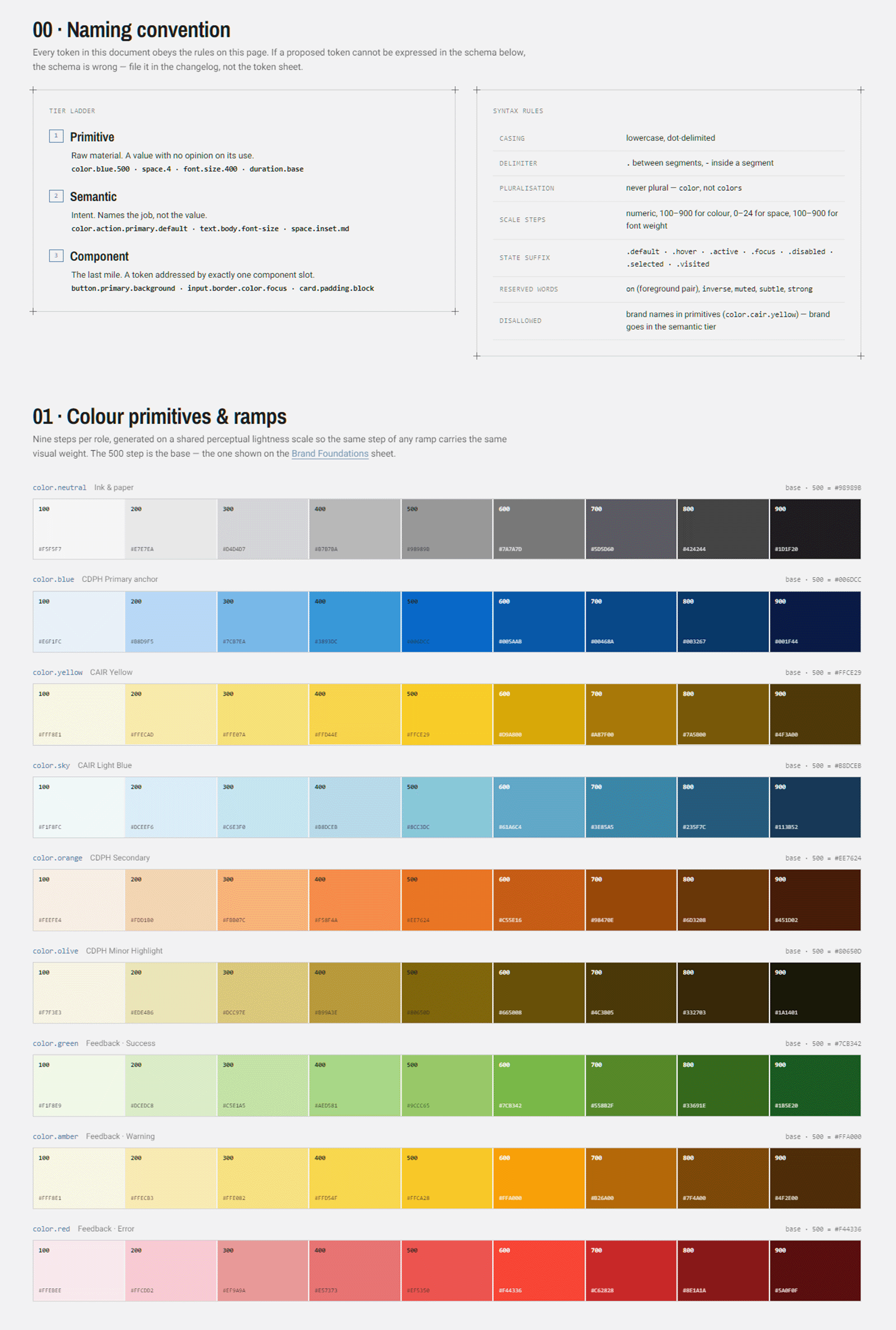
Colour System: Strict Compliance and Branding
Portfolio image: Colors

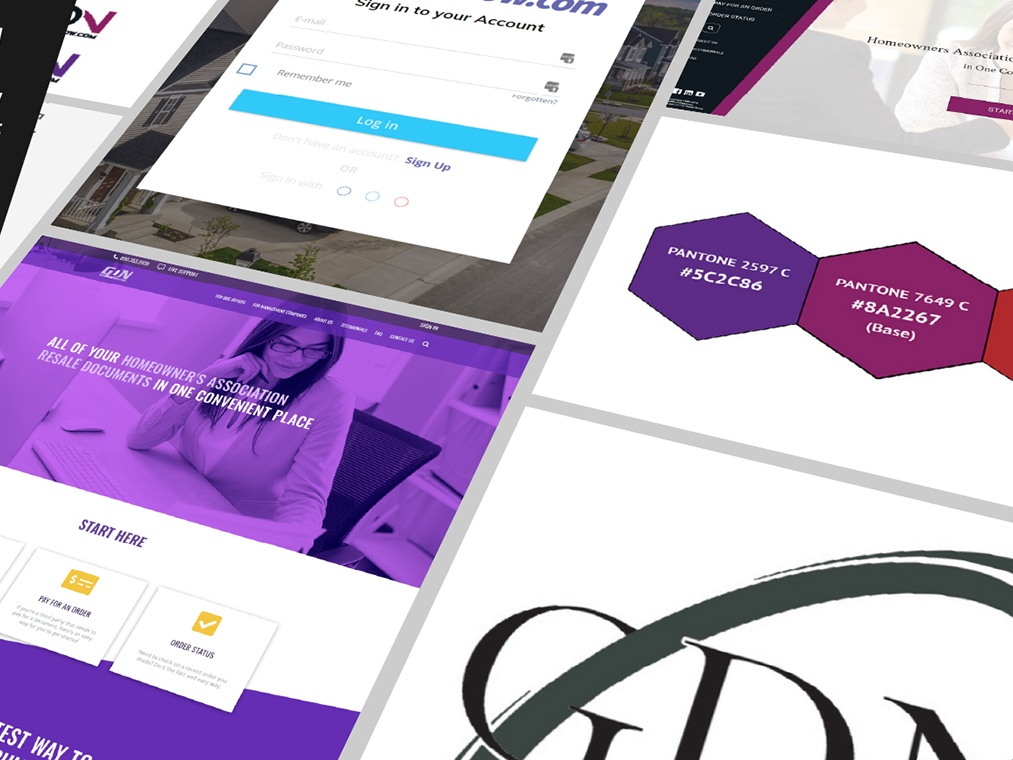
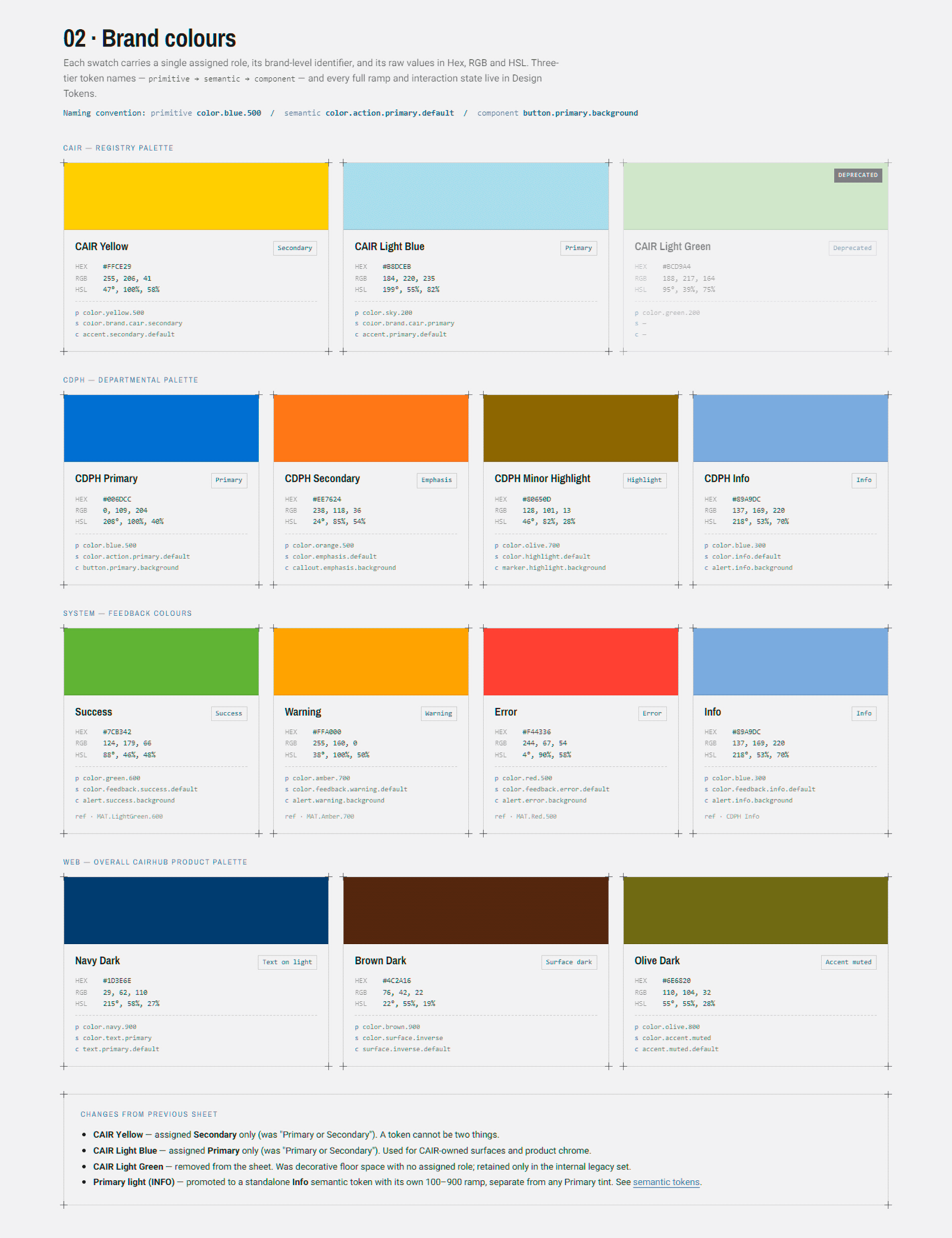
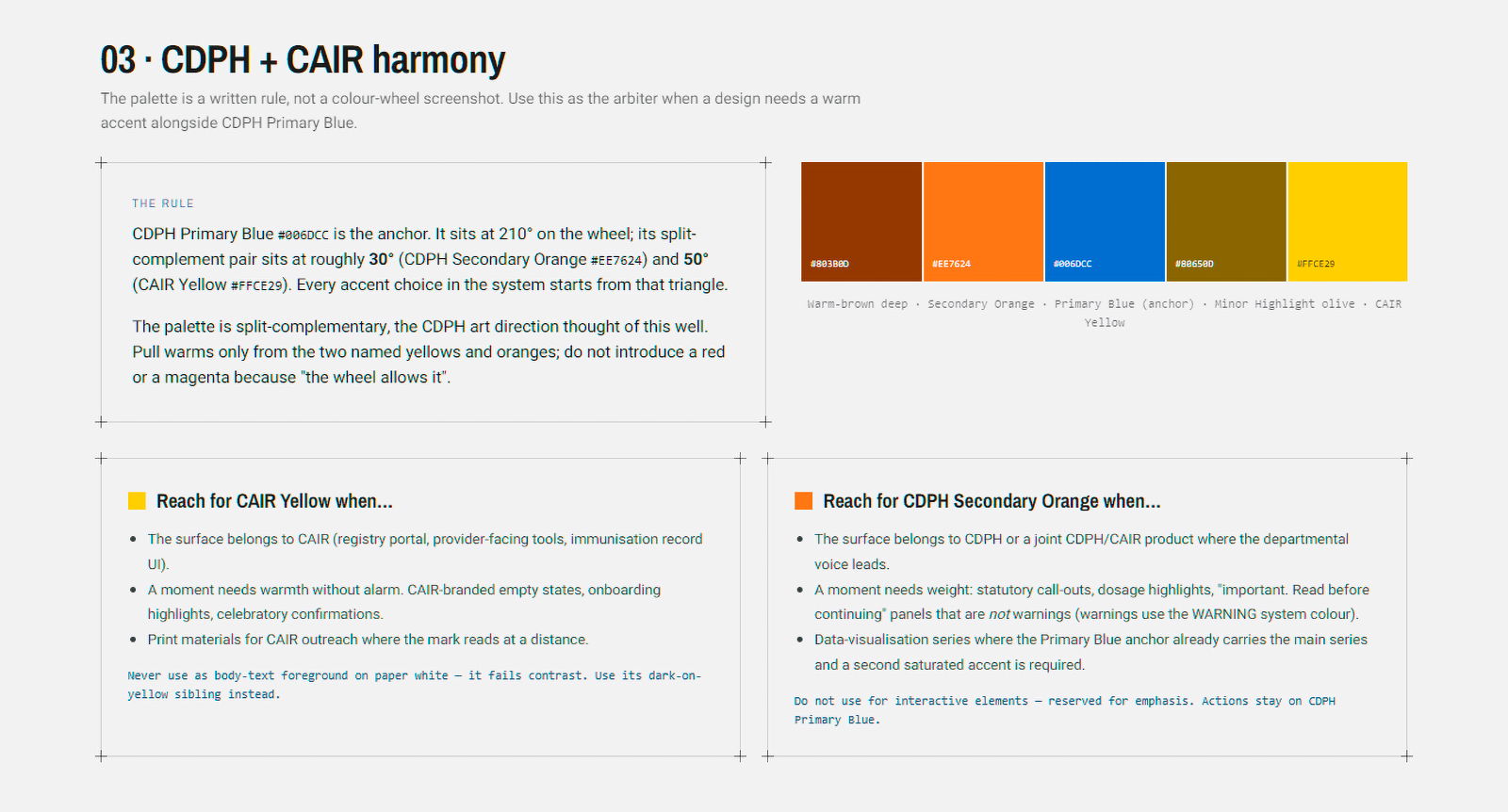
Taking from ideas from the brand colours, I narrowed down to using Pantone© 300 C (Blue) and 109 C (Yellow)

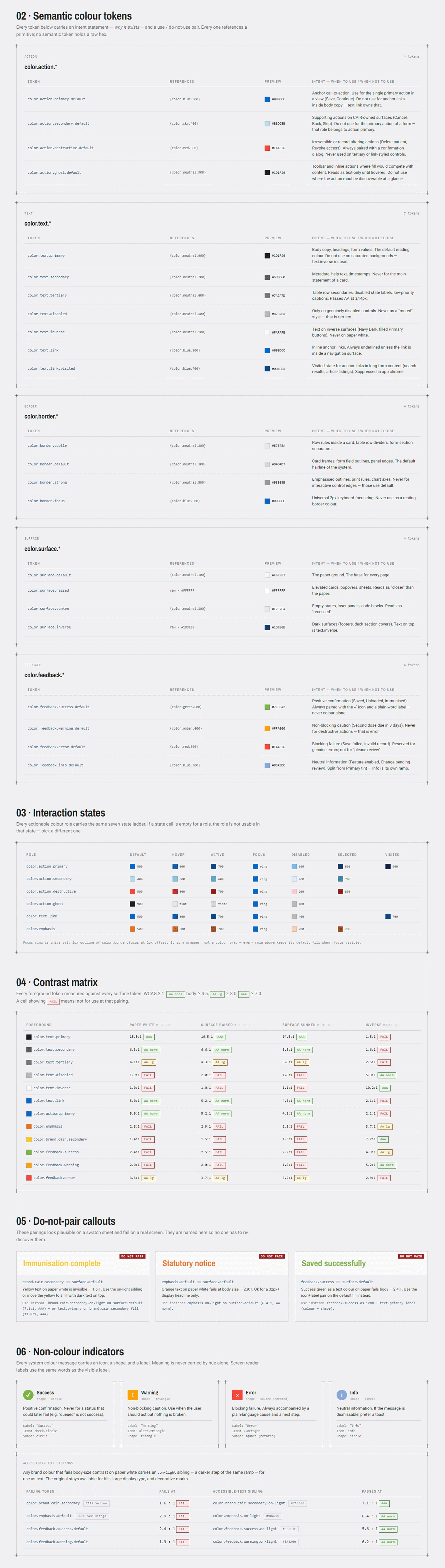
CDPH's brand hex codes were non-negotiable, and that was fine. There was nothing wrong with their colours to begin with – they follow a split-complementary structure, and their institution has years of established brand equity baked into signage, collateral, and communications. Changing it would have been expensive and pointless. Instead, the brand colours were locked strictly to UI functions and mapped against WCAG accessibility requirements. Every colour token has a purpose; none are decorative.
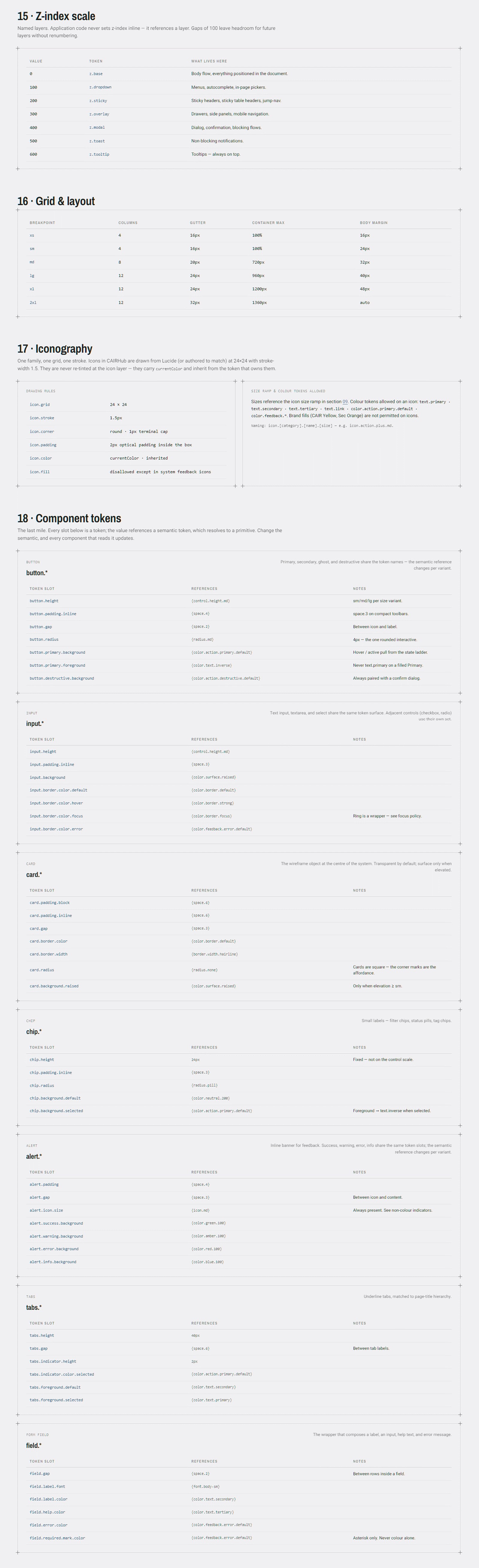
UI Components & Architecture
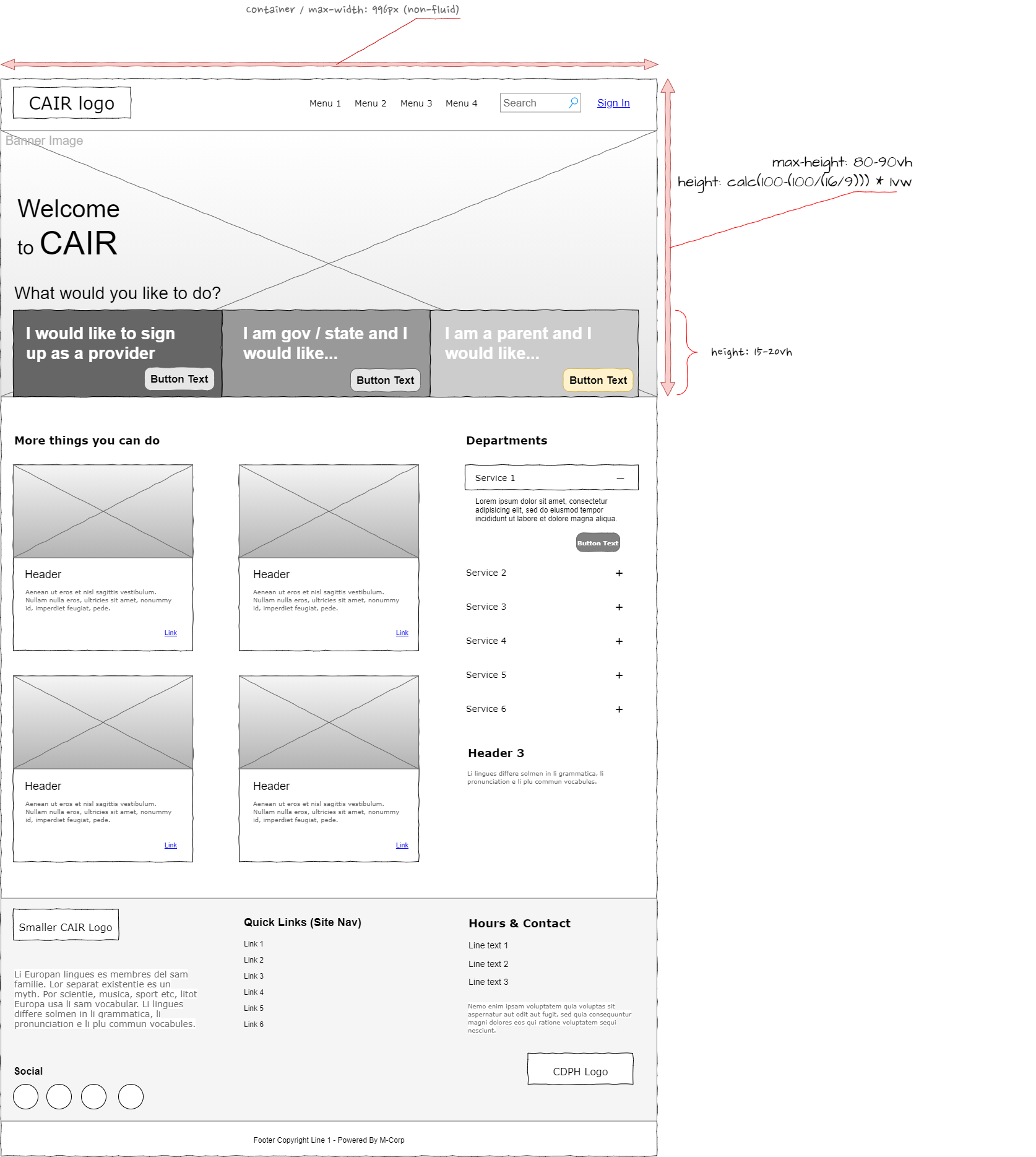
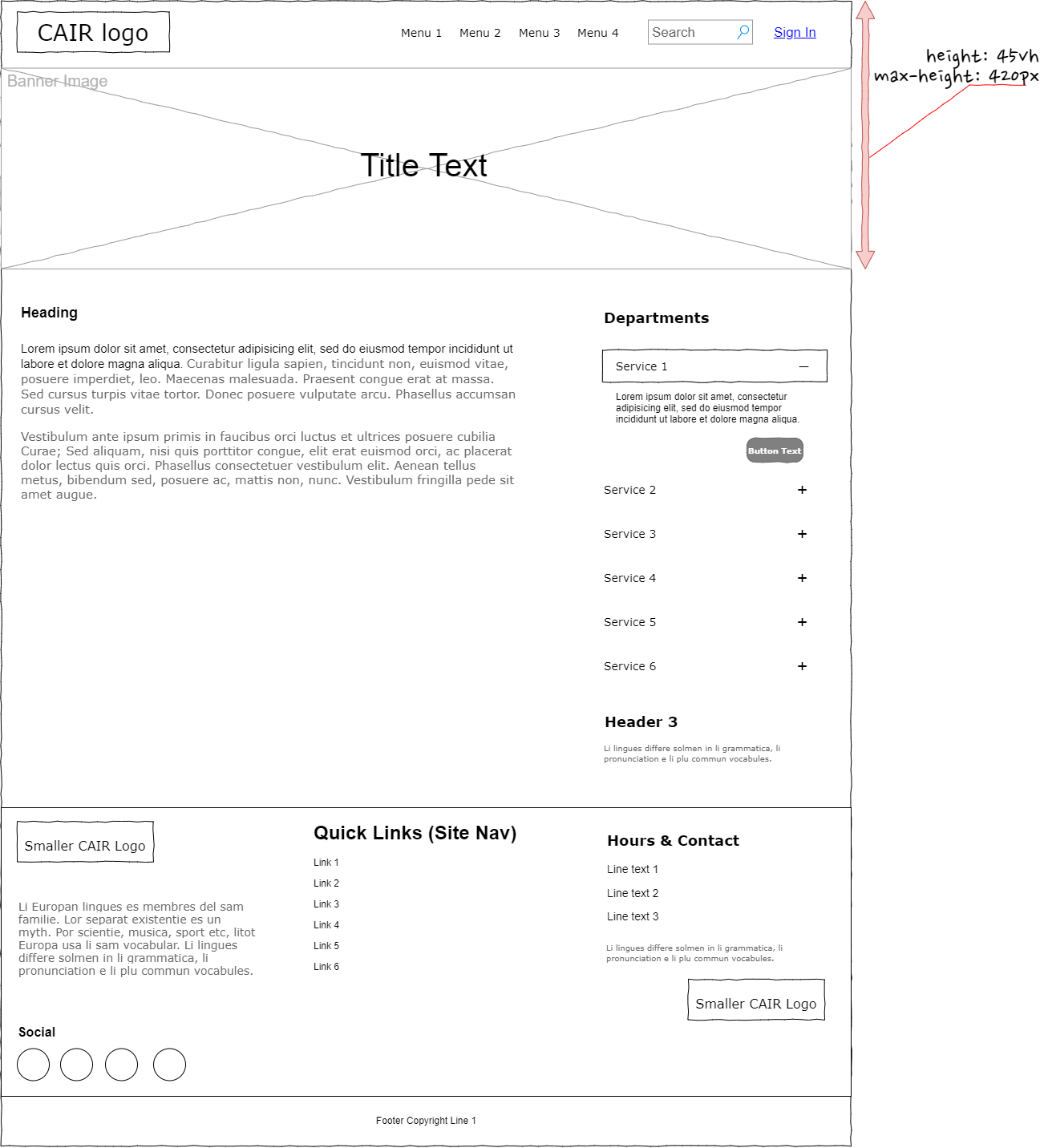
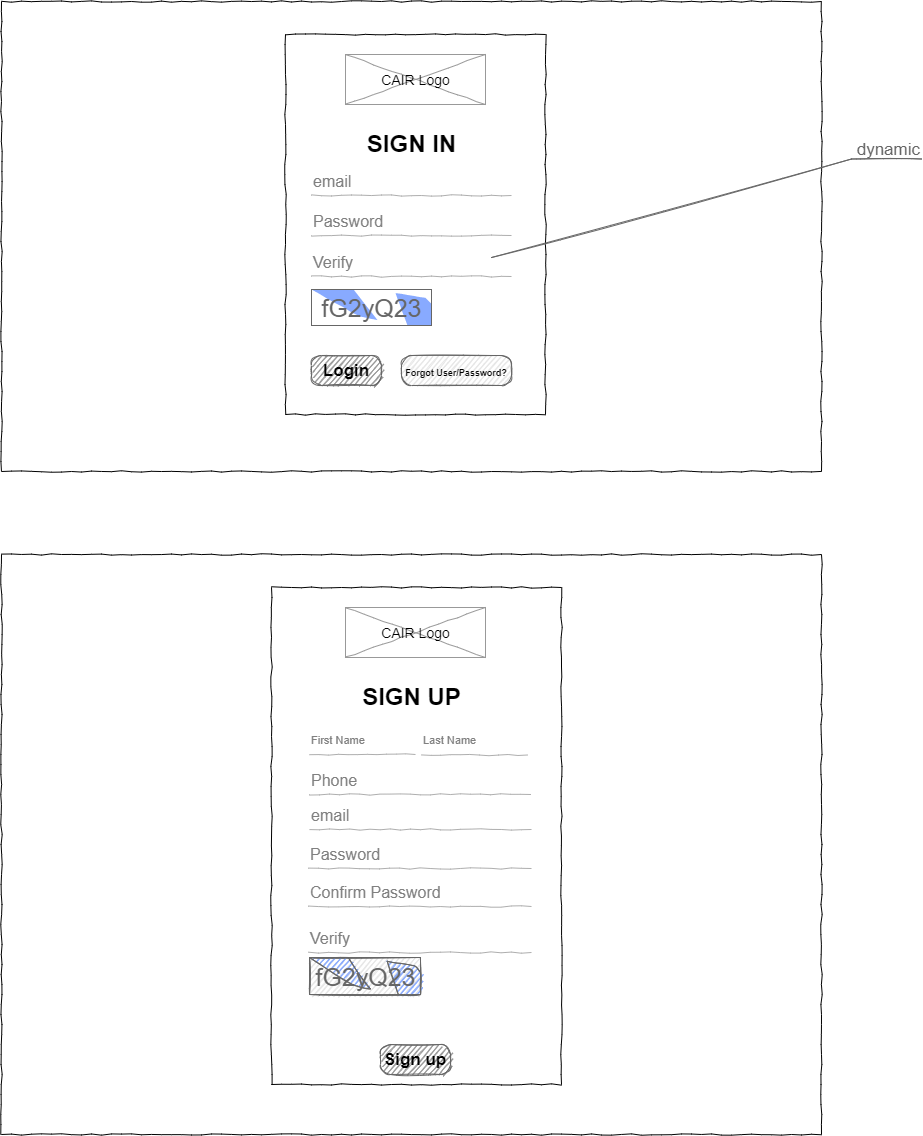
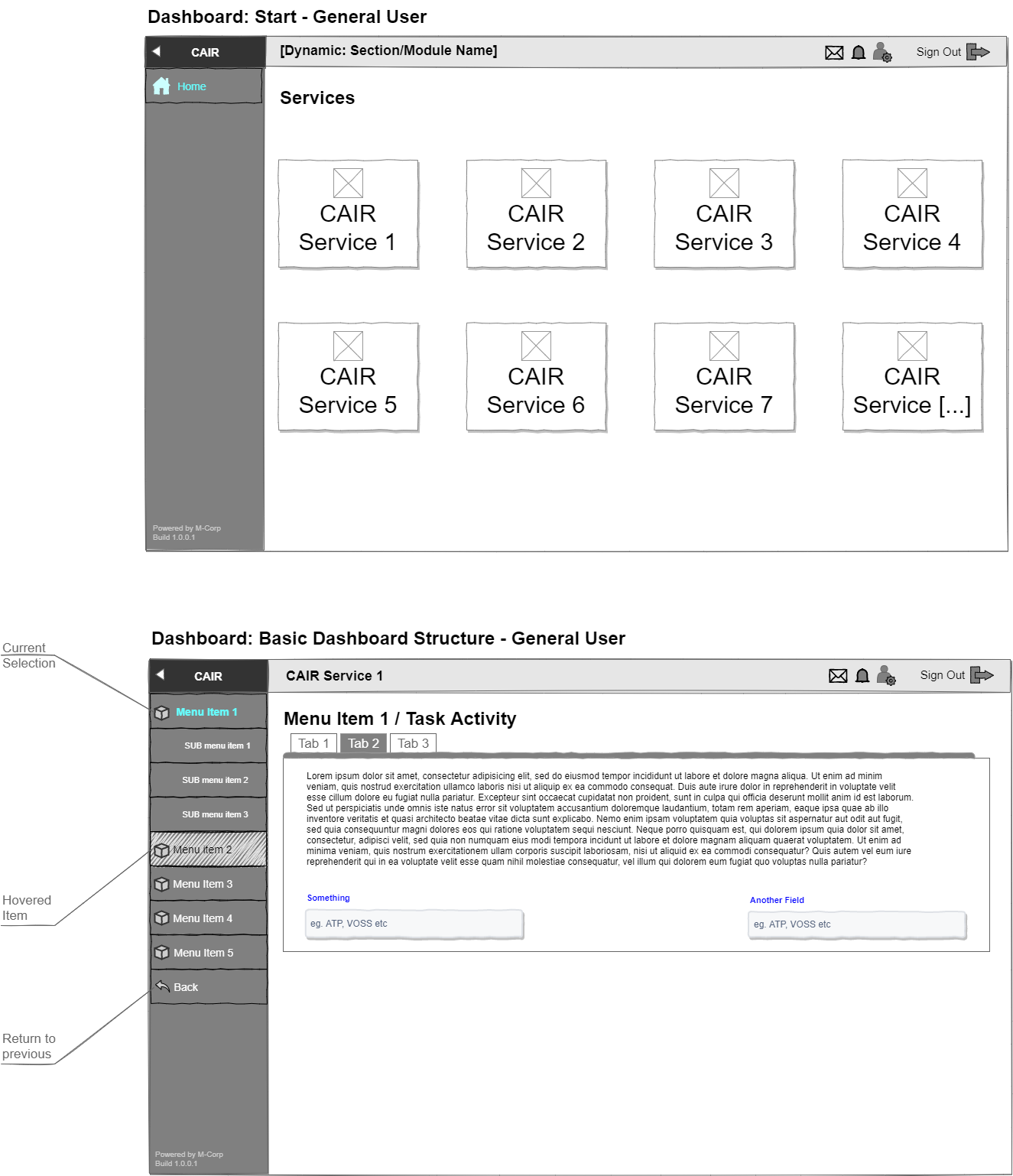
Wireframes: Left to right – The public (home page), secondary (basic) pages, authentication, and admin wall.
With the type and colour tokens settled, the component architecture followed a strict logic: every element was built from those tokens, every pattern reusable, and every state accounted for. The result is a scalable system that any developer on the project could implement consistently, regardless of which part of the platform they were working on.
Responsive Layouts & The Prototype​​​​​​​
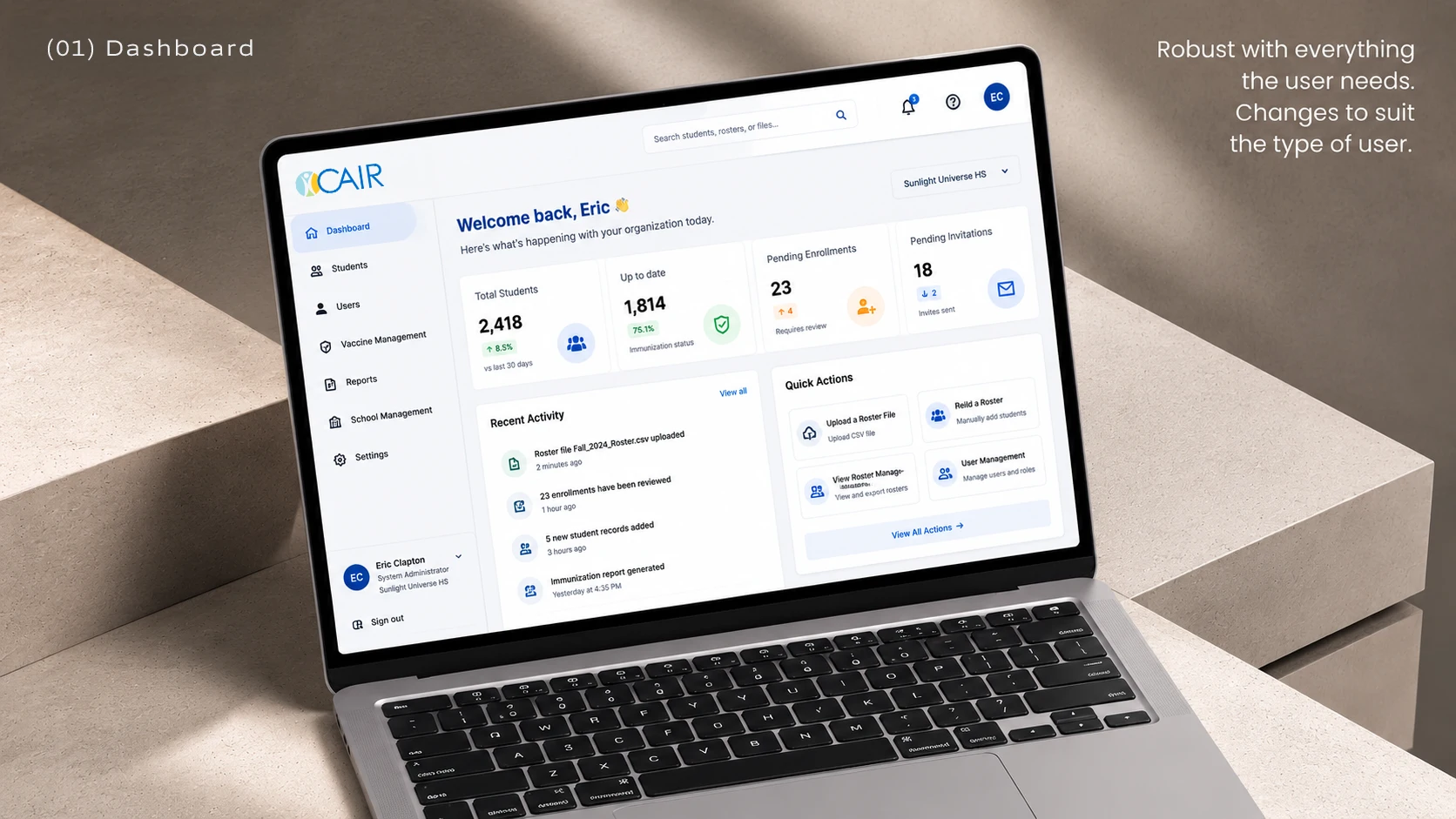
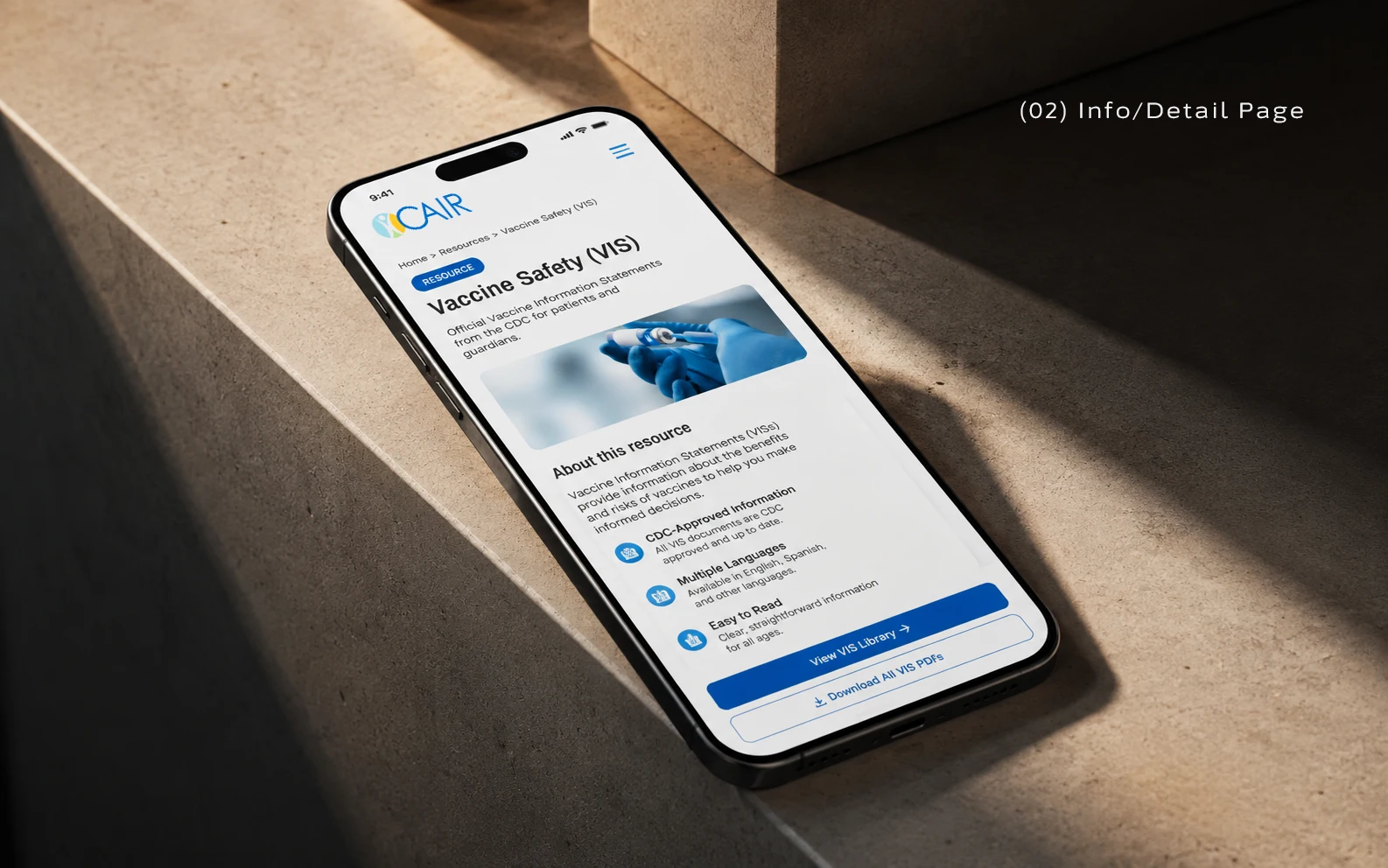
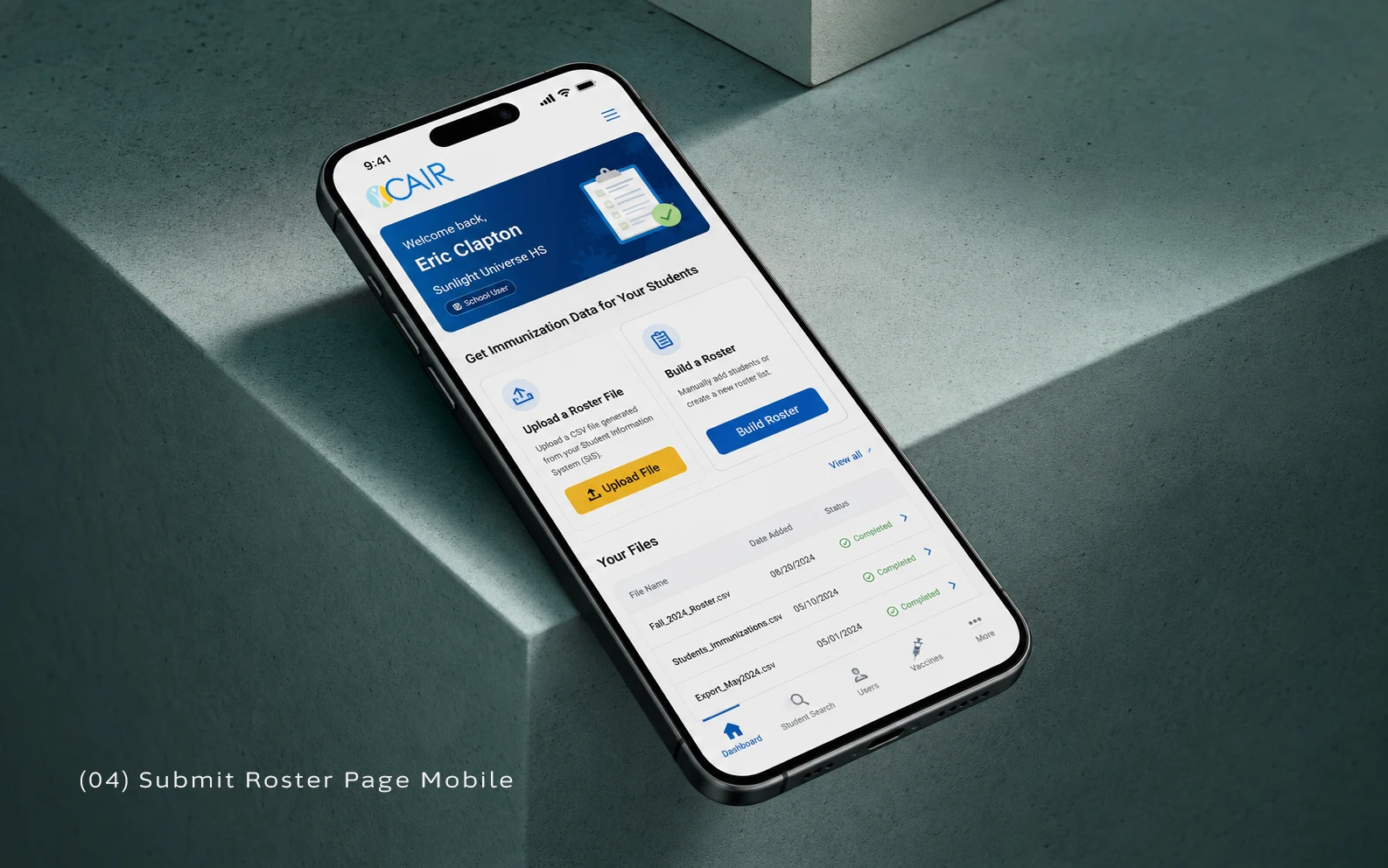
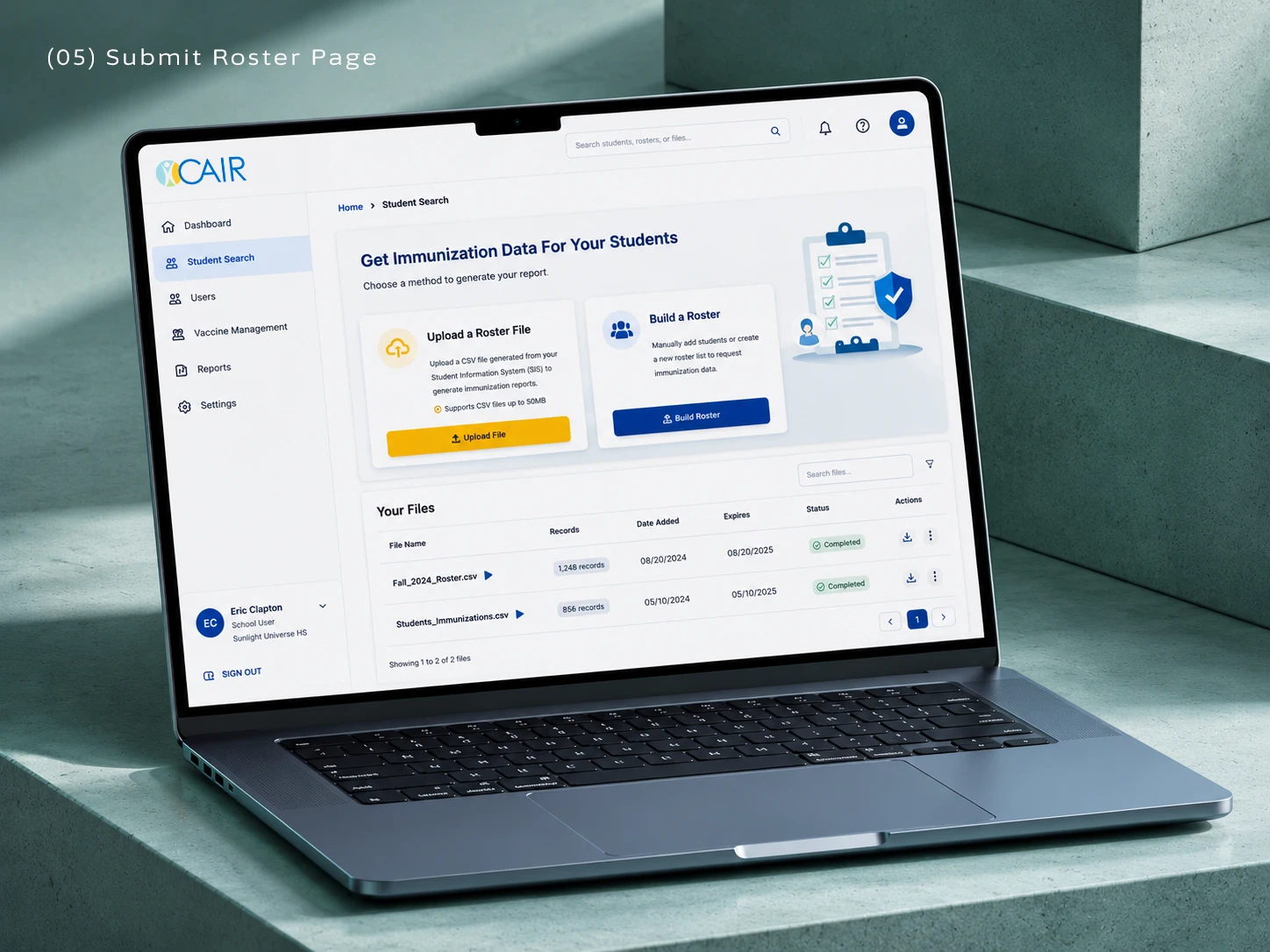
Hi Fidelity still mockups
The components assemble into a fully responsive framework that holds across device sizes. The Figma prototype demonstrates the complete interaction model, from navigation states to data-dense views, and served as the living spec for the engineering team throughout the build.
Specifications:
Tech Stack: Angular, C#
Notice: The live production site will be drastically different because of various client requests and changes in requirements. Authentication is required to view the full site, and to have access, you need to be a part of CDPH or have business in public health.

You may also like

Back to Top